The era of paying monthly fees for complex automation tools might finally be coming to an end. If you have been relying on intricate platforms to manage your workflows, you know the pain of subscriptions stacking up and the steep learning curve required to maintain them. But Google has just released a major update to Gemini Gems that is shaking up the landscape. This isn't just a minor tweak; it is a fundamental shift in how we approach personal AI assistance. After seeing what this update can do, paying for tools like N8N may no longer make sense for the vast majority of creators and business owners.
What Exactly is a "Super Gem"?
With Gemini Gems, you are now able to brainstorm using pre-built experts or, more importantly, create your own specialist for literally any topic. These are custom AI assistants where you can save specific instructions, upload your own files, and reuse them for the tasks you find yourself doing over and over again. Think of these as "super gems" that you can now share. To prove the power of this update, we aren't just talking about the theory; we are going to look at how to build three fully functional gems step by step.
If you have ever used ChatGPT's custom GPTs, you likely already understand the general concept. However, Google has taken that core idea and built it directly into your workspace through what they call Gems inside Google Gemini. This integration is key, but the real revolution lies in the interface and the logic behind it.
Plain English vs. The "Bowl of Spaghetti"
Here is where things really change for the average user. Unlike tools like N8N, which often feel like a bowl of spaghetti nodes and require a PhD in logic just to untangle, Gemini Gems are built using plain English. There are no complex webhooks to decipher or JSON arrays to parse. You simply describe what you want, and the agent just gets it. This lowers the barrier to entry significantly, allowing anyone who can write a sentence to build powerful automation workflows.
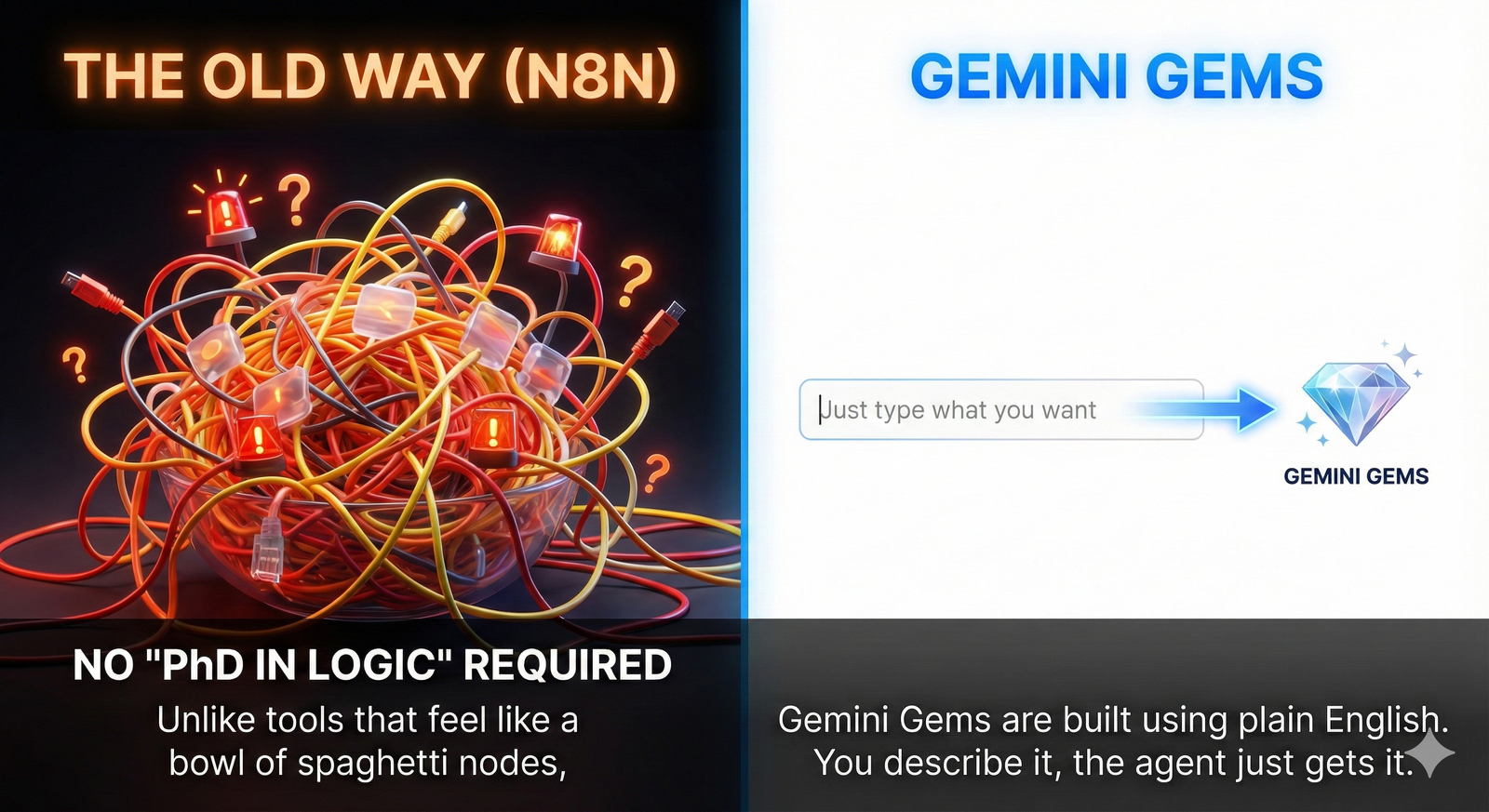
Behind the scenes, Google has also unified what used to be separate Opal apps into a single streamlined Gems manager. This consolidation makes it dramatically easier to build powerful custom AI workflows without friction. The goal is to remove the technical barriers that usually stop creators from automating their work.
Demo 1: The Thumbnail Critique Agent
Let’s look at a practical application. The first demo we explored is a "Thumbnail Critique Agent". This tool analyzes uploaded thumbnails and generates optimized "nano banana" prompts to improve clarity, composition, and click-through potential. The process is incredibly straightforward. Once you are logged into your Gemini account, you click the expand menu in the top left corner and select the Gems tab.
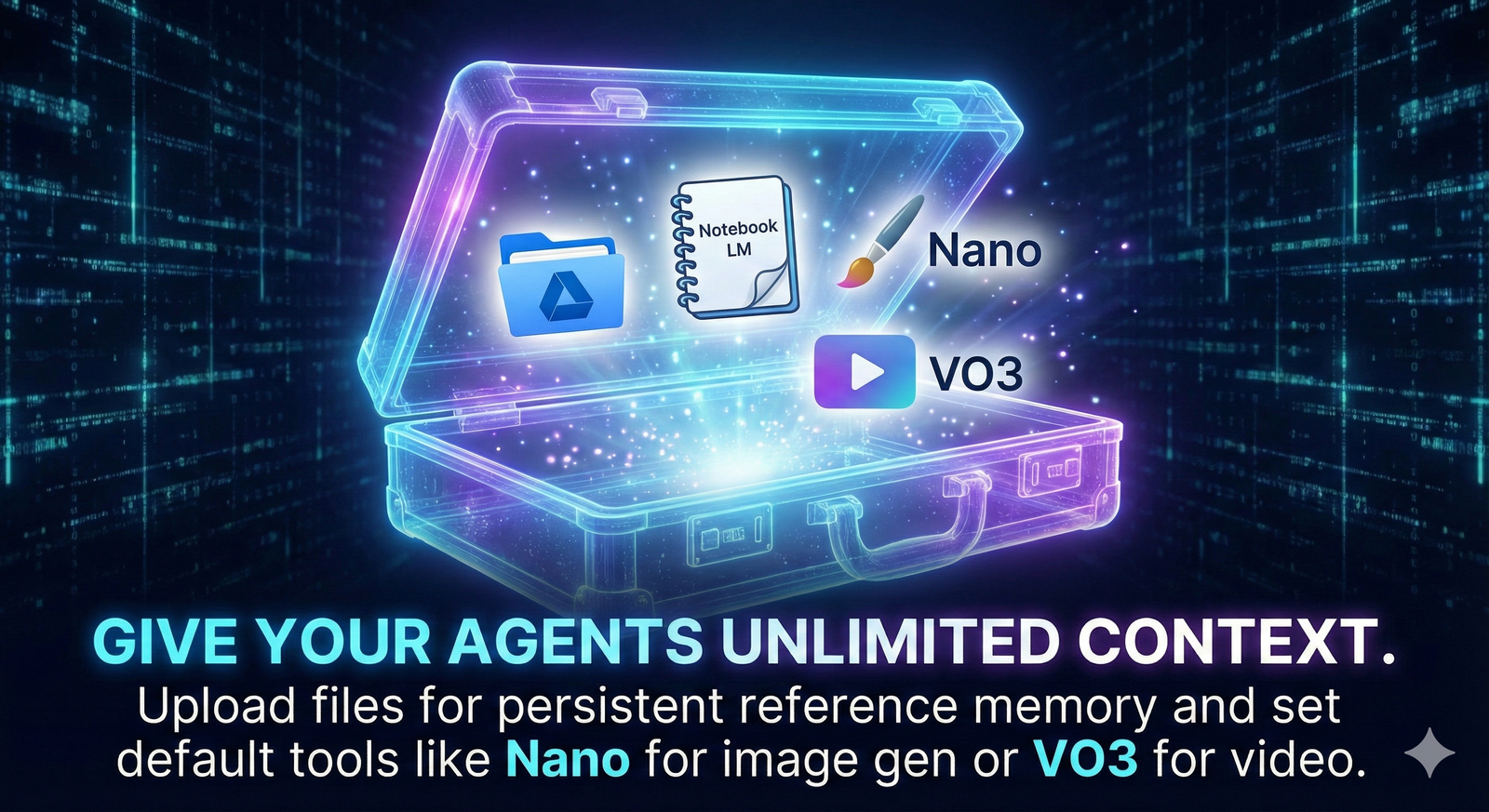
The first screen you see allows you to name your new Gem and define all its instructions. But the power comes from the context you provide. Gemini lets you add files to give your Gem persistent reference context. You can upload files directly from Google Drive, including images, or import code. In a newly released update, you can even pull resources directly from NotebookLM, which is an incredibly powerful research and study tool. Since NotebookLM is free right now, combining it with Gems creates a robust research engine.
Power Tools at Your Fingertips
Another major upgrade is the ability to set the default tool your Gem uses when generating responses. You can tell it to use Nano for image generation, VO3 for video, Canvas for structured work, or even guided learning, depending on what you want the agent to specialize in. Once you hit save and start chat, you have created a functional AI app. In our tests, we uploaded low-performing thumbnails, and the agent transformed them from flat and boring to bold, vibrant, and visually compelling with stronger contrast and cleaner composition.
Demo 2: The AI Storyboard Director
For filmmakers and video editors, the "AI Storyboard Director" Gem is a game-changer. This agent takes a vague idea and instantly outputs a detailed shot-list table, giving you everything you need to plan the perfect video. The prompt structure is simple: "You're a Hollywood director. I give you a topic and the agent generates a complete table with every detail from camera angles and shot types to pacing and voice-over suggestions".
When tested with a concept for a "30-second commercial for a new organic coffee brand," the Gem generated a complete storyboard in under 10 seconds. It included the name, concept, scene numbers, and camera angles all laid out perfectly. Crucially, it automatically creates a new Google Sheet with every detail. You can take this entire table and, in about 5 minutes, use tools like Nano and VO3 to bring it all to life. The integration with Sheets means your AI brainstorming instantly becomes an actionable project management document.
Demo 3: The Social Media Repurposer
Finally, we saved the best for last: the "Social Media Repurposer," also known as the Content Multiplier agent. If you are a social media manager or creator, this is about to become your new best friend. The goal is simple: take a long, boring script or block of text and instantly turn it into a visual content plan.
This Gem can generate slides for Instagram, a structured script for TikTok, and clear direction on how each piece should look and flow. Instead of rewriting content over and over again, this Gem helps you multiply what you already have—faster, cleaner, and ready to post. You can even bring Nano in to generate your images directly within the workflow. By pasting in a script, the agent creates visuals from stock imagery and lays out a complete visual direction in seconds, giving you a massive head start instead of building everything from zero.
Image Caption: Google has unified the workflow to make building custom AI tools frictionless.
Conclusion
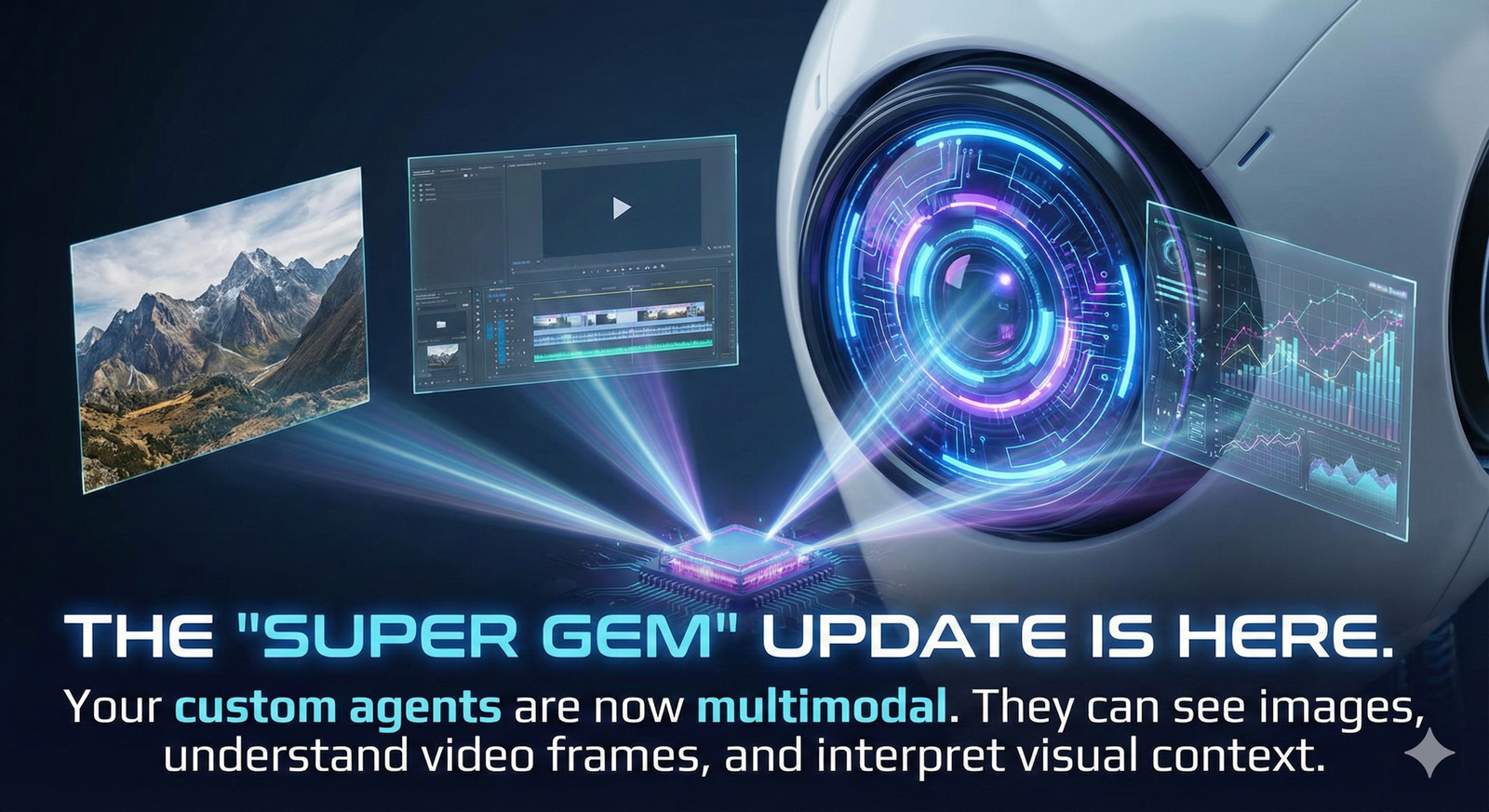
The ability to create these custom tools without coding knowledge, combined with the new multimodal capabilities, suggests a significant shift in the market. Google has unified everything into a streamlined manager, making it easier than ever to build powerful custom AI workflows. Whether you are critiquing thumbnails, directing video shoots, or repurposing content, the friction has been removed. As always, keep exploring and keep creating.
Taken from the YouTube video "Gemini Super Gems: Google’s New AI Super Agent That Builds Free Apps (No N8N Needed)" by Zero to G ... Link